Battery
How to check if an iPhone battery was replaced: 3 ways
To check if an iPhone battery was replaced, open Settings > General > About: on iPhone XR and later, Parts and Service History lists a replaced battery.
A replaced battery is no reason to walk away if it is disclosed, stable and reflected in the price. It is if it was hidden, if the device heats or restarts during ten minutes of charging, or if the case no longer sits flat. On iPhone 15 and later, Settings > Battery shows cycle count and first-use date: daily use produces roughly 300 to 400 cycles a year. Below 80%, iOS shows "Service" and the replacement cost comes out of the purchase price.

Models mentioned in this guide

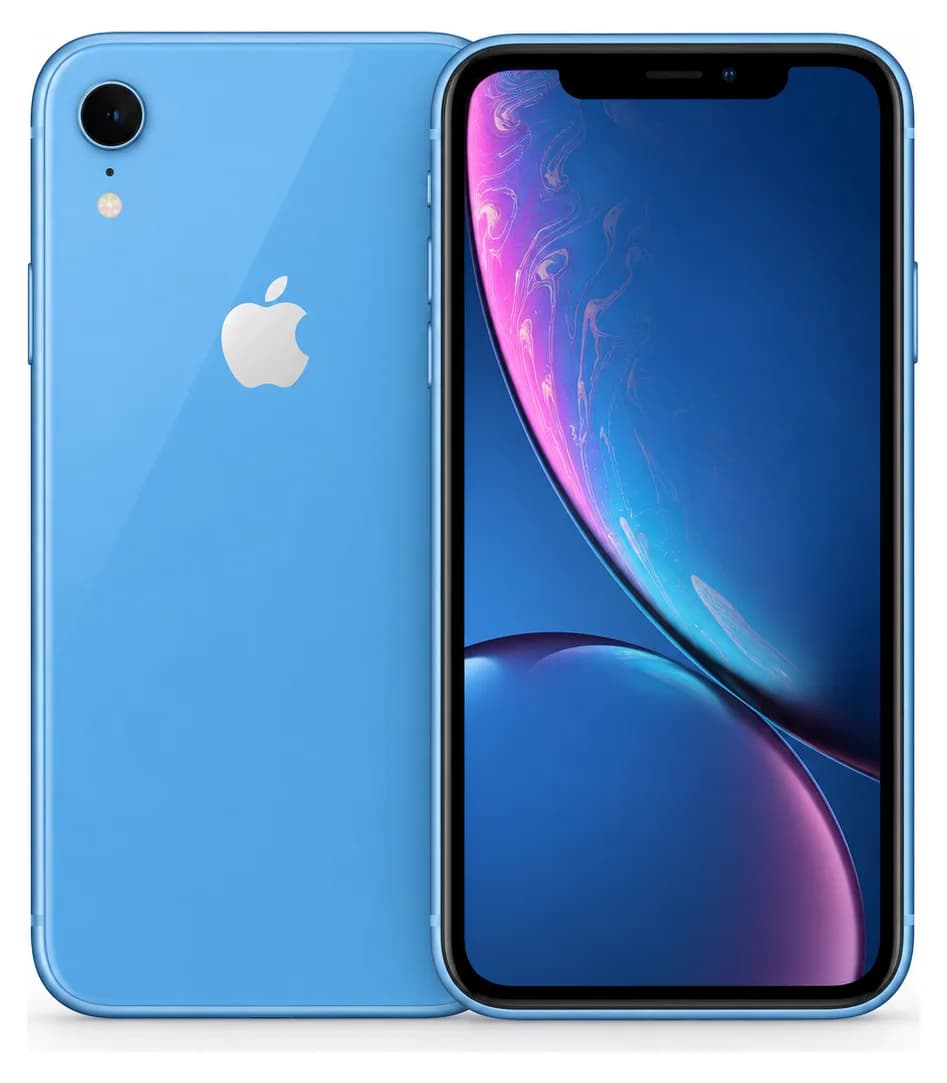

Step 1
Start with Parts and Service History
This is the fastest and most reliable check. On iOS 15.2 or later, iPhone XR, XS and newer models show a replaced battery in Settings > General > About. The label tells you what kind of part and repair iOS recognises; it does not, by itself, tell you the battery's current endurance.
- Settings > General > About > Parts and Service History.
- Genuine: the repair used genuine Apple parts and processes.
- Used: a genuine Apple part was previously installed in another iPhone; this label appears on supported models.
- Unknown: the part may be nongenuine, not working as expected, modified, or not verified and linked after repair.
- Finish Repair: the part is installed, but calibration with Repair Assistant is incomplete.
Step 2
Cycle count cross-checked against the first-use date
The second check measures the battery that is installed now. On iPhone 15 and later with iOS 17.4 or newer, iOS shows cycle count, manufacture date and first-use date. A battery first used well after the phone confirms a replacement; its cycle count then helps you judge how much that replacement has already been used.
- Settings > Battery > Battery Health — not General > About.
- Normal reference: daily use produces roughly 300 to 400 cycles a year.
- Apple rates iPhone 14 and earlier batteries for 500 cycles before dropping toward 80% capacity, and iPhone 15 and later for 1,000.
- On iPhone 14 and earlier, iOS does not show cycle count in Settings: combine Parts and Service History, maximum capacity and the physical test.
Step 3
What the percentage actually means
A number alone says nothing until you know what to compare it to. Maximum capacity is a percentage of the original capacity, not of the battery life you will get: a phone at 100% that heats and restarts is a worse buy than a stable one at 82%.
- Above 90%: healthy battery, whatever the device's age.
- Between 85 and 90%: normal wear, worth a small adjustment in price.
- Below 85%: in Damjitech's verification scale, a device with no other fault stops receiving the top grade from this threshold.
- Below 80%: iOS shows "Service" — a replacement is due, and its cost should come out of the asking price.
- A "Service" notice is not a seller's trick: it is a future cost, and it is negotiable.
Step 4
The ten minutes worth more than every number
A percentage is read; behaviour is observed. This is the part Damjitech's verification protocol covers under the "charging" point, and it is what catches swollen batteries, low-grade parts and bad connectors.
- Plug the device in and check it charges without interruption, with the right symbol.
- Touch the back and the area beside the port: strong, localised heat while charging is a bad sign.
- Open the camera and record for three or four minutes: watch the percentage drop and the temperature.
- Lay the device face down on a table: if it does not sit flat, or the screen lifts on one edge, the battery is swollen. Do not buy.
- A spontaneous restart during the test ends the conversation.
Step 5
What a replaced battery should take off the price
Damjitech's position is simple, and it holds for the screen too: the replaced part is not the problem, the silence around it is. A battery replaced cleanly, disclosed and invoiced, is normal maintenance on a three-year-old device. Undisclosed, it carries two invisible things with it.
- Water resistance: a reopened device no longer guarantees its rating, whatever it was originally.
- Tracking: if the battery is unverified, its health information may be missing or inaccurate.
- Ask for the invoice, the date and the repairer's name — not for the warranty, but because a seller who has them is hiding nothing.
- Compare against listings of the same model, storage and declared condition before settling on the gap.
0/8 checks completed
Checklist to use in person
Damjitech data
Observed asking price
Used prices of the models in this guide
Used, good condition
- iPhone 154 650 DH· 48 listings
- iPhone 143 500 DH· 54 listings
- iPhone XR1 400 DH· 56 listings
- iPhone X1 000 DH· 15 listings
Asking prices on marketplaces in Morocco, collected and filtered by Damjitech on 8 October 2026. This is not a complete survey of every platform or an offer from Damjitech.
Sources and limits
Reference sources
FAQ
Common questions
How do I know if an iPhone battery has been changed?
Open Settings > General > About. If the battery was replaced, Parts and Service History identifies it as Genuine, Used, Unknown, or Finish Repair. Then check its current condition in Settings > Battery.
Why does my iPhone no longer show battery health?
An unverified battery can make health information unavailable or inaccurate. Check Parts and Service History in Settings > General > About: its label is more reliable than treating a missing percentage alone as proof.
Is a replaced battery a reason to walk away?
No, if it is disclosed, stable and reflected in the price. Yes, if it is hidden, if the device heats or restarts, or if the case no longer sits flat.
How many cycles are normal?
Daily use produces roughly 300 to 400 cycles a year. Apple rates iPhone 14 and earlier batteries for 500 cycles and iPhone 15 and later for 1,000 before dropping toward 80% capacity.
Is 80% capacity bad?
That is the threshold where iOS recommends a replacement. The device still works, but the battery's cost should come out of the purchase price, not out of your pocket a month later.
Can the percentage be faked?
Some reprogrammed parts can display a flattering figure. That is exactly why the percentage gets cross-checked against cycles, the first-use date, and ten observed minutes of charging.
Turn knowledge into a decision
Search with sharper criteria
Compare condition, price and city, then test the exact device before paying.