Buying in Casablanca
Derb Ghallef: what to check before buying a phone
Before paying for a phone at Derb Ghallef, know the model's median price, read the IMEI with *#06#, have the accounts removed in front of you, then check battery health.
A phone still tied to someone's account never becomes yours, whatever the price: the seller signs out in front of you, before payment. Allow about twenty minutes for the full check, and ask for an invoice with the IMEI written on it.
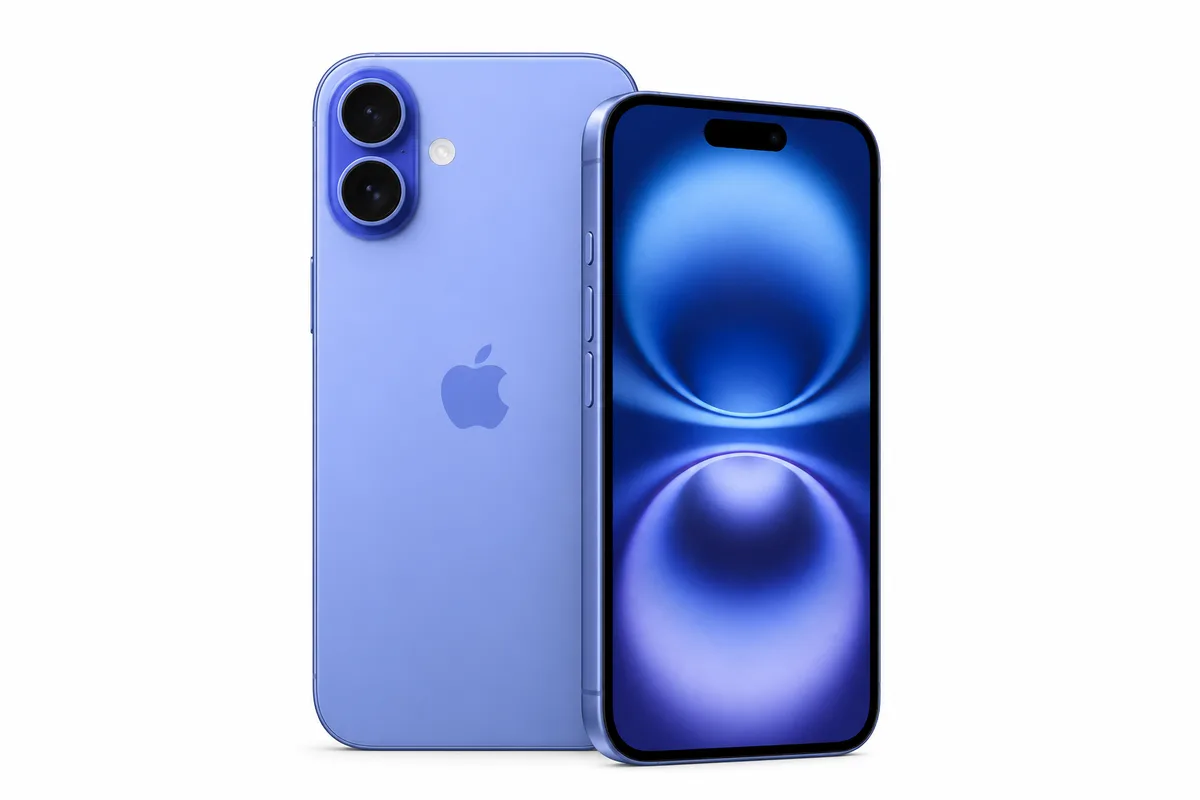
Models mentioned in this guide
Step 1
Before you go: know what the model is worth
You negotiate a market with a number in your head. Without a reference price, "500 dirhams cheaper than the shop" means nothing — that shop may be expensive. Look up the median for the exact model and exact storage, and note the new price too: the gap between the two is your real room to negotiate.
- Write down the model, storage and colour you want. "An iPhone 16" is not a price: 128 GB and 512 GB are different phones.
- Check the median of real listings in Morocco on the Prices page, not a foreign site's price converted into dirhams.
- Set your ceiling before you walk in. A price far below the median isn't a bargain — it's a question you need to ask.
- Bring what you need to test: your own SIM, a cable, and the serial or IMEI if you're comparing sellers.
Step 2
The four minutes that decide: identity and locks
This is the only part you cannot fix afterwards. A scratched screen can be replaced and a battery can be changed, but a phone tied to someone else's account never becomes yours. Do these checks first, before you even look at the condition, and walk away if any of them sticks.
- Dial *#06# on the keypad: the IMEI appears. Compare it with the box, the invoice and the label under the battery or on the SIM tray. Three numbers that don't match are three reasons to leave.
- iPhone: Settings → your name at the top. It must be empty, with Find My off. The seller signs out in front of you, not "later".
- Android: Settings → Accounts. The Google account must be removed in front of you, or FRP will lock the phone at the first reset.
- Put your own SIM in and make a call. If the network doesn't connect, the phone may be carrier-locked.
- Look for an enterprise management or MDM profile message: a company phone stays under the company's control.
Step 3
What the seller doesn't show: battery and screen
The two most expensive parts of a phone are also the two most often replaced with non-original parts, and the two you cannot judge by holding the device for thirty seconds. The system itself gives you the answer if you know where to look.
- iPhone: Settings → Battery → Battery Health. A maximum capacity percentage must be shown. If it's missing, or there's an unknown part or used battery message, the battery was replaced outside the official channel.
- Below 85 % capacity, price a battery into your offer. That's the threshold below which Damjitech no longer rates a device in its top condition.
- Recent iPhone: Settings → General → About shows the cycle count and first-use date. A three-year-old phone with a few dozen cycles has a new battery — good news, as long as it's disclosed.
- Screen: show a white background then a black one, brightness at maximum. Look for spots, dead pixels, a different tint at one edge. Test the touch across the whole surface, corners included.
- On iPhone, the parts history flags a replaced screen. A replaced screen isn't a deal-breaker: it's a line in the negotiation.
Step 4
The eight points of a real inspection
This is the list a technician works through, and it's exactly the one Damjitech applies when a device goes through a full inspection. It fits into four zones and takes about ten minutes on the spot, with no tools.
- Screen and body: panel, touch, bent frame, impact or opening marks, a seal sticking out.
- Cameras and sensors: every lens, autofocus, flash, a video with sound, then the proximity sensor (the screen must go dark during a call) and auto-rotation.
- Audio and buttons: earpiece, loudspeaker, microphone (record yourself), volume, power, vibration, and Face ID or the fingerprint reader.
- Charging and connectivity: plug a cable in and check it charges without wiggling the wire, then Wi-Fi, Bluetooth, mobile data and GPS.
- Say each fault out loud as you test. A fault named is a fault negotiated; a fault found later is a fault paid for.
Step 5
What you're left with after paying
This is the real difference between buying at a market and buying with a framework around it, and it only shows up the day something goes wrong. Better to know it before the money leaves your hand.
- Ask for an invoice with the IMEI written on it. Without paper linking the device to the seller, there is nothing to repair and nothing to claim.
- Ask what happens if the phone fails in three days, and have the answer written down. A spoken warranty does not exist.
- Reset the phone with the seller, in front of them, before you leave. Check that it restarts and sets up to the home screen.
- Keep the conversation, the listing or the message: it's the only record of what you were promised.
- Everything above can be done at Derb Ghallef, for free, with method and twenty minutes. What Damjitech adds is that someone already did it, the result is written down, and measured condition never carries the same badge as declared condition.
0/8 checks completed
Checklist to use in person
Damji data
Observed asking price
Used prices of the most searched models in Morocco
Used, good condition
- NVIDIA RTX 509045 900 DH· 8 listings
- iPhone 17 Pro Max12 500 DH· 29 listings
- iPhone 17 Pro11 000 DH· 15 listings
- iPhone 16 Pro Max9 500 DH· 208 listings
- NVIDIA RTX 50708 600 DH· 12 listings
- Samsung Galaxy S25 Ultra8 600 DH· 32 listings
- iPhone 177 650 DH· 12 listings
- iPhone 16 Pro7 500 DH· 23 listings
Asking prices on marketplaces in Morocco, collected and filtered by Damjitech on 28 September 2026. This is not a complete survey of every platform or an offer from Damjitech.
Sources and limits
Reference sources
FAQ
Common questions
Is it really cheaper at Derb Ghallef?
Sometimes yes, sometimes no — it's a market, and prices vary from stall to stall on the same day. The only way to know is to arrive with the model's median in your head. A price far below that median always has a reason behind it: battery, screen, lock or provenance.
The seller says the iCloud account can be removed after the sale. Is that true?
No. While the seller's account is active on the device, activation stays locked and nobody else can set it up. Signing out happens in front of you, before payment, or the sale doesn't happen.
Can I return the phone if something is wrong?
Between private individuals and without an invoice, there is nothing to claim. With a shop it depends on what is written down: ask for it in writing before paying, not after.
How do I know if the phone is stolen?
The IMEI dialled with *#06# must match the box and the invoice, and the seller should be able to explain where the device came from. A seller in a hurry, with no box, no invoice, who refuses to remove their account, is three signals at once.
How long does checking everything take?
About twenty minutes: four for identity and locks, five for battery and screen, ten for the eight points. That's a long time in a noisy market, and it is exactly why most people skip it.
Turn knowledge into a decision
Search with sharper criteria
Compare condition, price and city, then test the exact device before paying.