Mobile
Check an IMEI in Morocco with no database
To check an IMEI in Morocco, dial *#06#: only the number the phone itself displays counts, and its 15 digits can be validated by hand, with no website or database.
A valid IMEI proves an identity, not an origin: no public register in Morocco tells a private buyer whether a device is stolen, and “ANRT-approved” describes the imported model, not this unit. Nor does it show whether an iCloud or Google account is still attached — the only proof is the seller erasing the device in front of you and you setting it up.
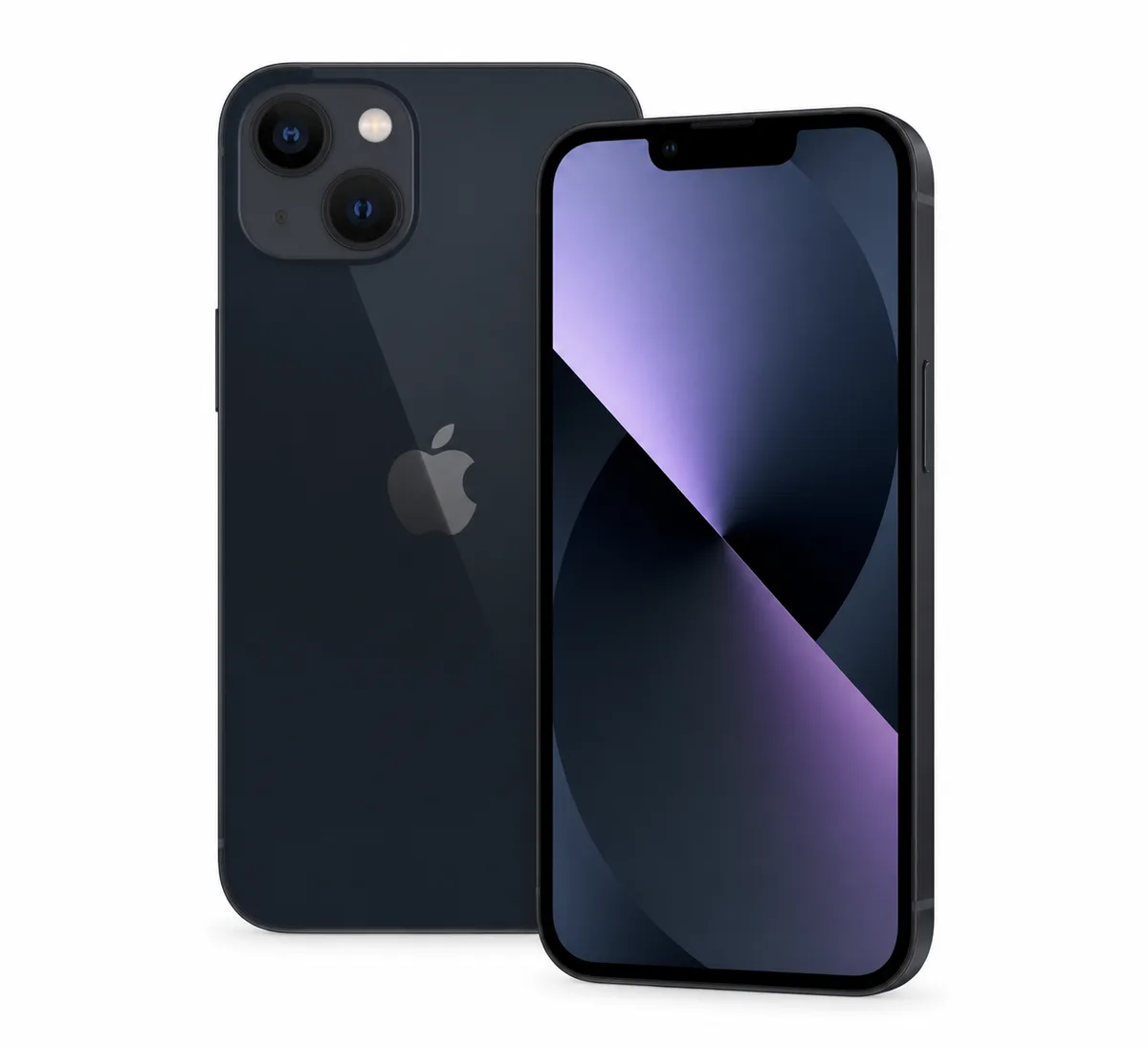
Models mentioned in this guide
Step 1
The only IMEI that counts is the one the phone displays
An IMEI can appear in five places, and four of them may belong to a different device. A box gets kept, an invoice gets photographed, a label gets re-stuck. The one that comes out of the system comes from the device in your hand.
- Dial *#06# on the keypad: the IMEI appears instantly, on iPhone and Android alike.
- iPhone: Settings > General > About.
- Android: Settings > About phone.
- Then compare with the box, the invoice and the SIM tray or the engraving on the back: all of them must agree.
- A single mismatch between screen and box is enough to end the transaction.
Step 2
What the 15 digits say
An IMEI is not a random number: it is structured, and that structure is what lets you check it without asking anyone's permission.
- The first 8 digits are the TAC: they identify the manufacturer and the exact model.
- The next 6 are the serial number of that individual unit.
- The 15th is a check digit, calculated from the other fourteen.
- Direct consequence: two devices of the same model start with the same 8 digits. If a seller advertises an iPhone 13 and another verified iPhone 13 has a completely different TAC, something does not add up.
Step 3
Validating an IMEI by hand, in thirty seconds
This is the check almost nobody runs, and it needs no internet, no app and no third-party site. The last digit can be recomputed from the first fourteen: if the sum does not come out right, the number was never assigned to a real device. It is the test that exposes an invented IMEI, one copied backwards, or one altered by a single digit.
- Take the 15 digits. Double every other digit, starting from the second.
- If a result exceeds 9, subtract 9 from it (14 becomes 5, 12 becomes 3).
- Add up all the resulting digits, doubled and undoubled alike.
- The total must be a multiple of 10. If not, the IMEI is fake.
- Example with 356938035643809: the total comes to 70, so the IMEI is valid.
- The same number with one digit changed at the end, 356938035643801, gives 62: invalid.
Step 4
eSIM devices show two of them
A frequent source of confusion, and a false alarm. A phone handling two lines — a physical SIM and an eSIM, or two eSIMs — carries two IMEIs. Seeing two is not abnormal; seeing one that matches nothing is.
- *#06# may show IMEI and IMEI2, plus sometimes an EID for the eSIM.
- Both belong to the same device and share the same TAC.
- Verify the first one, which also appears on the box and the invoice.
- On an iPhone bought abroad, the absence of a SIM tray is normal on some models: it is not a sign of tampering.
Step 5
Checking the IMEI says nothing about SIM lock or activation lock
IMEI verification answers one question: is this device the one it claims to be. It does not say whether you can use it. Two locks sit on top of that, and neither shows up in the 15 digits — they are tested on the spot, in two minutes, before you pay.
- SIM lock (carrier): the phone only accepts one network's cards. Test it with your own SIM, not the seller's.
- Activation lock: iCloud on iPhone, FRP on Android. A perfectly valid IMEI number can belong to a device you will never be able to activate.
- The only proof that counts: the seller erases the device in front of you and signs out, then you power it on and go through setup.
- A device reported lost or stolen to a foreign carrier can show a spotless IMEI: no public register says so in Morocco.
Step 6
What the IMEI does not prove — and this is the point
A perfectly valid IMEI, consistent with the model and matching the box, says nothing about the device's condition or whether it is free. It is an identity check, not a certificate. It never replaces the rest of the protocol.
- It does not tell you whether an iCloud or Google account is still attached: that shows on the first boot after a reset.
- It says nothing about the battery, the screen or the cameras.
- It does not tell you whether the device was stolen — see the next point.
- It does not tell you whether the screen or battery are genuine parts: the parts history does that.
Step 7
In Morocco there is no public register
This is the part many pages quietly skip while promising a "stolen / not stolen" answer in one click. Several countries run a mandatory national register — France, India, Turkey, Brazil — but Morocco offers none open to the general public. Worth knowing before hunting for a certainty that does not exist here.
- No Moroccan public service returns the "stolen" status of an IMEI to a private buyer.
- Sites promising it for free rely at best on partial, foreign lists.
- For a device imported from Europe, checking the register of its country of origin still makes sense.
- What stays verifiable here: the IMEI's consistency, the account sign-out, and the cluster of signals around the seller.
- Photograph the IMEI before paying: without it, a later report has almost nothing to identify.
Step 8
"ANRT-approved" does not mean "not stolen"
ANRT is Morocco's telecom regulator, and its name shows up in listings as if it certified where a device came from. It does not. Its public information page on telephony covers number portability, roaming, restricted mobility, choosing an offer and terminating a contract: IMEI, theft and device blocking appear nowhere on it.
- ANRT controls how terminal equipment reaches the market — not the history of the unit being sold to you.
- There is no form and no page on anrt.ma where an IMEI can be typed (checked on 9 September 2026).
- So "it's approved" describes a legally imported model, not the provenance of that particular phone.
- A third-party site showing "device clean" after an IMEI is consulting no Moroccan database, because none exists.
Step 9
Reporting a theft in Morocco suspends your line, not your device
This is the part almost no page writes down, and it reframes everything else. With Moroccan operators, the published theft procedure is about the line. Orange Morocco spells it out on its own "Mobile volé" page: call 121 from an Orange line (or 0663 121 121 from another operator) to request suspension of the mobile line, then buy a new SIM for 30 MAD and keep your number. The handset is never mentioned.
- Suspending the line protects your number: nobody calls or spends on your account.
- The device itself keeps working with any other SIM.
- What that means for a buyer: a phone stolen in Morocco powers on, connects and resells with nothing showing.
- What it means for the victim: the only step that truly neutralises the device is the remote lock, not the call to the operator.
- And it is the real reason no "stolen IMEI check" can work here: there is nothing to look up.
Step 10
If your own phone was stolen, the order matters
The first minutes decide what stays recoverable. The most common mistake is to call the operator first: useful for the bill, useless for the device.
- Find the IMEI: on the box, on the invoice, or on the device entry in your Apple or Google account.
- Lock it remotely and display a message — Apple's Find My with Lost Mode, or Google's app ("Find My Device", renamed Find Hub in 2025). This is the only step that makes the device unusable.
- Then call your operator to suspend the line: that protects your number and your charges.
- File a police report with the IMEI written down. Without that number, a report has almost nothing to identify.
- Change the passwords of the linked account: that is the most valuable thing in the device, well ahead of the hardware.
Step 11
What the law says if the device turns out to be stolen
A good-faith buyer is not a receiver of stolen goods, and the text is explicit about it. The Moroccan Penal Code punishes anyone who "knowingly conceals, in whole or in part, things removed, misappropriated or obtained by means of a felony or misdemeanour" with one to five years' imprisonment and a fine of 200 to 2,000 dirhams (article 571). The decisive word is knowingly. Everything comes down to being able to show that you did not know — and that is prepared before paying, never after.
- Photograph the IMEI shown by *#06# on the phone's screen, not the one on the box.
- Keep the conversation and the agreement inside the app rather than on WhatsApp: it is timestamped and it stays.
- Ask for proof of purchase, even an old one: shop invoice, receipt, warranty slip.
- An unusually low price, a rushing seller and no paperwork at all are exactly what makes good faith hard to defend.
- None of this replaces legal advice; it is what turns a story into a file.
0/8 checks completed
Checklist to use in person
Damji data
Observed asking price
Used prices of the most searched models in Morocco
Used, good condition
- NVIDIA RTX 509045 900 DH· 8 listings
- iPhone 17 Pro Max12 500 DH· 29 listings
- iPhone 17 Pro11 000 DH· 15 listings
- iPhone 16 Pro Max9 500 DH· 208 listings
- NVIDIA RTX 50708 600 DH· 12 listings
- Samsung Galaxy S25 Ultra8 600 DH· 32 listings
- iPhone 177 650 DH· 12 listings
- iPhone 16 Pro7 500 DH· 23 listings
Asking prices on marketplaces in Morocco, collected and filtered by Damjitech on 28 September 2026. This is not a complete survey of every platform or an offer from Damjitech.
Sources and limits
Reference sources
FAQ
Common questions
How do I check an IMEI for free in Morocco?
Dial *#06# on the powered-on phone, compare against the box and invoice, then validate the 15 digits with the check-digit calculation above. It costs nothing and needs no third-party site.
Can the IMEI tell me whether a phone is stolen?
Not in Morocco: no public register gives that answer to a private buyer. The IMEI verifies the device's identity, not its origin. What decides is the cluster: an account that cannot be removed, no invoice, an unusually low price, a rushing seller.
What if the IMEI on the box does not match the phone?
Do not buy. Either the box belongs to another device, or the device is not the one advertised. Either way, the seller's story does not hold.
Why does my phone show two IMEIs?
Because it handles two lines, usually a physical SIM and an eSIM. Both belong to the same device. That is normal.
The seller refuses to show the IMEI — is that serious?
Yes. Displaying the IMEI takes five seconds and reveals no personal data. A refusal is the most reliable — and cheapest — piece of information in the whole transaction.
Can an IMEI be altered?
Reprogramming one is technically possible and illegal, but a tampered IMEI usually stays inconsistent: a wrong check digit, a TAC that does not match the model, or a number different from the one engraved on the SIM tray.
Can ANRT tell me whether an IMEI is stolen?
No. ANRT regulates the sector and how equipment reaches the market; its public information page on telephony mentions neither IMEI, nor theft, nor device blocking, and the site offers no verification form. "Approved" describes a legally imported model, not the origin of a unit.
What should I do immediately if my phone is stolen in Morocco?
In this order: find the IMEI (box, invoice, or the device entry in your Apple or Google account), lock it remotely with Find My or Google's app, then call your operator to suspend the line — with Orange, 121 or 0663 121 121 — and file a police report with the IMEI. Suspension protects your number; only the remote lock makes the device unusable.
Am I at fault if I unknowingly buy a stolen phone?
The Moroccan Penal Code punishes handling stolen goods by whoever knowingly holds something obtained through a felony or misdemeanour: one to five years and a fine of 200 to 2,000 dirhams (article 571). The key word is knowingly, which makes proof of your good faith decisive — a photo of the IMEI on screen, the conversation kept inside the app, and proof of purchase asked of the seller.
Turn knowledge into a decision
Search with sharper criteria
Compare condition, price and city, then test the exact device before paying.