Selling
Factory reset an Android phone before selling
To factory reset an Android phone before selling it, first remove your Google Account, then reset it to factory settings from the Settings app. The path depends on the brand: here is the one for Pixel and Xiaomi phones, and what the buyer should check.
Back up your data, make sure you know your Google Account password and charge the phone to at least 70%. Then remove your Google Account (Settings > Passwords & accounts) and reset from Settings: on a Pixel, System > Reset options > Erase all data. According to Google, a factory reset can take up to an hour.
Before you pay
What the phone asks for after the reset
- Setup finished with no account requestedReadyNo Google Account and no brand account: on the account side, it’s fine
- Starts on the lock screen or home screenWaitNot reset: the seller removes their accounts and resets it in front of you
- Previous owner’s Google or brand accountWaitDon’t pay yet: the seller removes their account and resets again
- The seller doesn’t have the passwordDon’t buyThe phone stays locked
Account requested after the reset: Google, “Reset your Android device to factory settings”. Buying advice: Damjitech.
Models mentioned in this guide
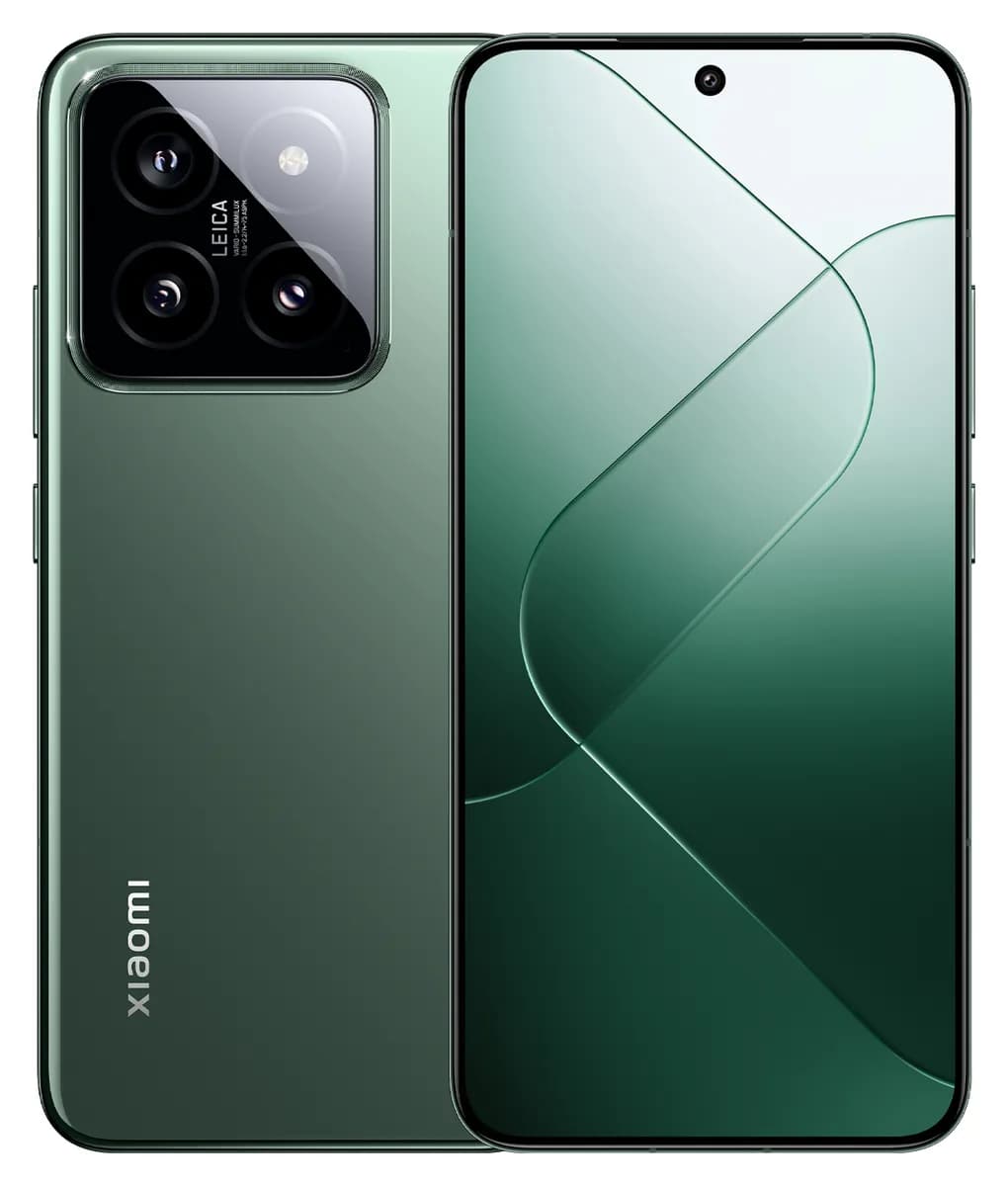
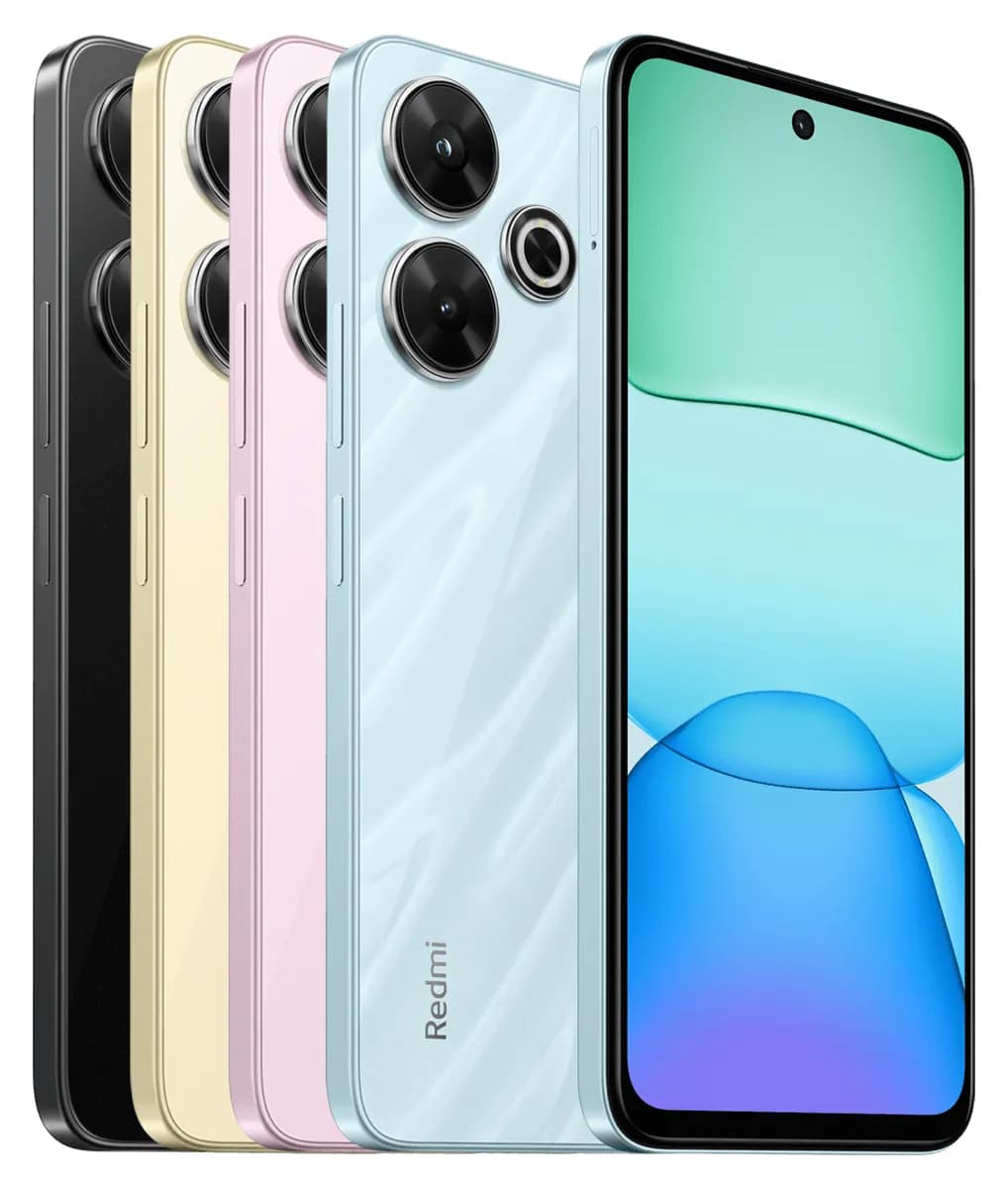
Step 1
Before the reset: backup, passwords and battery
Google calls formatting a “factory reset”: it erases all the data on the phone and uninstalls the apps.
- Back up what you want to keep to your Google Account.
- Make sure you know your Google Account password (sign in on another device) and your screen lock code.
- If you recently reset your Google Account password, wait 24 hours before the reset.
- Charge the phone to at least 70% and connect it to Wi-Fi or your mobile network: the reset can take up to an hour.
- Take out your SIM card and your memory card, if there is one.
Step 2
Remove your Google Account from the phone
After a reset, the phone asks for the Google Account that was on it: that is how it knows the reset came from you or someone you trust. So before a sale, remove your account first.
- Settings > Passwords & accounts (depending on the phone: Users & accounts, or Manage accounts).
- Under “Accounts”, tap your Google Account, then Remove account, and confirm.
- If it is the last Google Account on the phone, it asks for your lock code.
- The account and what it held leave the phone; the account itself is not deleted. Do the same for every Google Account, and remove the brand’s account too (Samsung, Xiaomi…).
Step 3
Reset from Settings
Use the option in Settings: on a Pixel, it is the one Google asks you to use for a trade-in. Its path depends on the brand.
- Google Pixel: Settings > System > Reset options > Erase all data (factory reset).
- Xiaomi and Redmi: Settings > About phone > Factory reset, then Erase all data (according to Xiaomi’s help pages for the Xiaomi 14T and the Redmi 13C 5G).
- Samsung: see our guide “How to factory reset a Samsung before selling”.
- Other brands (Oppo, Infinix, Tecno…): follow the manufacturer’s support site, as Google recommends.
- The power and volume buttons are only for when Settings won’t open.
Step 4
When buying: check the account is gone
A phone that has been reset restarts on the setup screens. Do this test in front of the seller, before you pay.
- The seller removes their accounts (Google and the brand’s), then resets the phone in front of you, from Settings: allow time, it can take up to an hour.
- Connect it to Wi-Fi or mobile data and finish setup all the way to the home screen.
- If it asks for the previous owner’s Google Account or brand account (Mi, Samsung…), don’t pay yet: the seller enters their password, removes their account and resets it again.
- If the seller doesn’t know the password, don’t buy: the phone stays locked.
- No time for this test? Set another meeting rather than buy without it.
0/8 checks completed
Checklist to use in person
Damjitech data
Observed asking price
Redmi 13C 5G
—
There are not enough listings yet to publish a reliable price.
Xiaomi 14T
—
There are not enough listings yet to publish a reliable price.
Xiaomi 14
—
There are not enough listings yet to publish a reliable price.
Redmi 13C
1 050 DH
8 listings · marketplaces in Morocco · 2026-11-20
Used prices of the models in this guide
Used, good condition
- Xiaomi Redmi 13 1 300 DH· 5 listings
- Xiaomi Redmi 13C 1 050 DH· 8 listings
Asking prices on marketplaces in Morocco, collected and filtered by Damjitech on 20 November 2026. This is not a complete survey of every platform or an offer from Damjitech.
Sources and limits
Reference sources
FAQ
Common questions
How do I factory reset a phone?
From Settings: it is the factory reset. On a Pixel, Settings > System > Reset options > Erase all data. For a sale, remove your Google Account first.
How long does a factory reset take?
Up to an hour, according to Google. Charge the phone to at least 70% and keep it connected to Wi-Fi or your mobile network.
Do I need to remove my Google Account before a reset?
For a sale, yes. Otherwise, after the reset, the phone asks for your Google Account, and the buyer can’t use it without you.
Does a factory reset erase everything?
It erases all the data on the phone and uninstalls the apps. What is backed up to your Google Account can be restored.
Settings won’t open: how do I factory reset?
Google says you can then try with the power and volume buttons, following the manufacturer’s instructions. After the reset, you will need the password of the Google Account that was on the phone.
Where can I sell my phone in Morocco?
On Damjitech, for free and with no commission. List it; when you meet, remove your accounts and reset it in front of the buyer, who finishes setup. You are paid in person.
Turn knowledge into a decision
Turn good preparation into a trusted listing
Publish condition, defects and useful photos clearly to attract a serious buyer.