Selling
How to factory reset a Samsung before selling
To factory reset a Samsung before selling it, first remove your Google account from the phone. The path: Settings > General management > Reset > Factory data reset. Skip the first step and the phone may ask for your Google account again, so the buyer cannot use it.
Before the reset, back up your data and remove your Google account from the phone (the account itself is not deleted): Samsung warns that a phone reset while the account is still connected may ask for that account and its password. That is Google’s FRP protection. Then reset from Settings, not with the buttons, and take out the SD card. When buying, the phone’s setup after the reset should go through without asking for the previous owner’s Google account; otherwise, don’t pay.
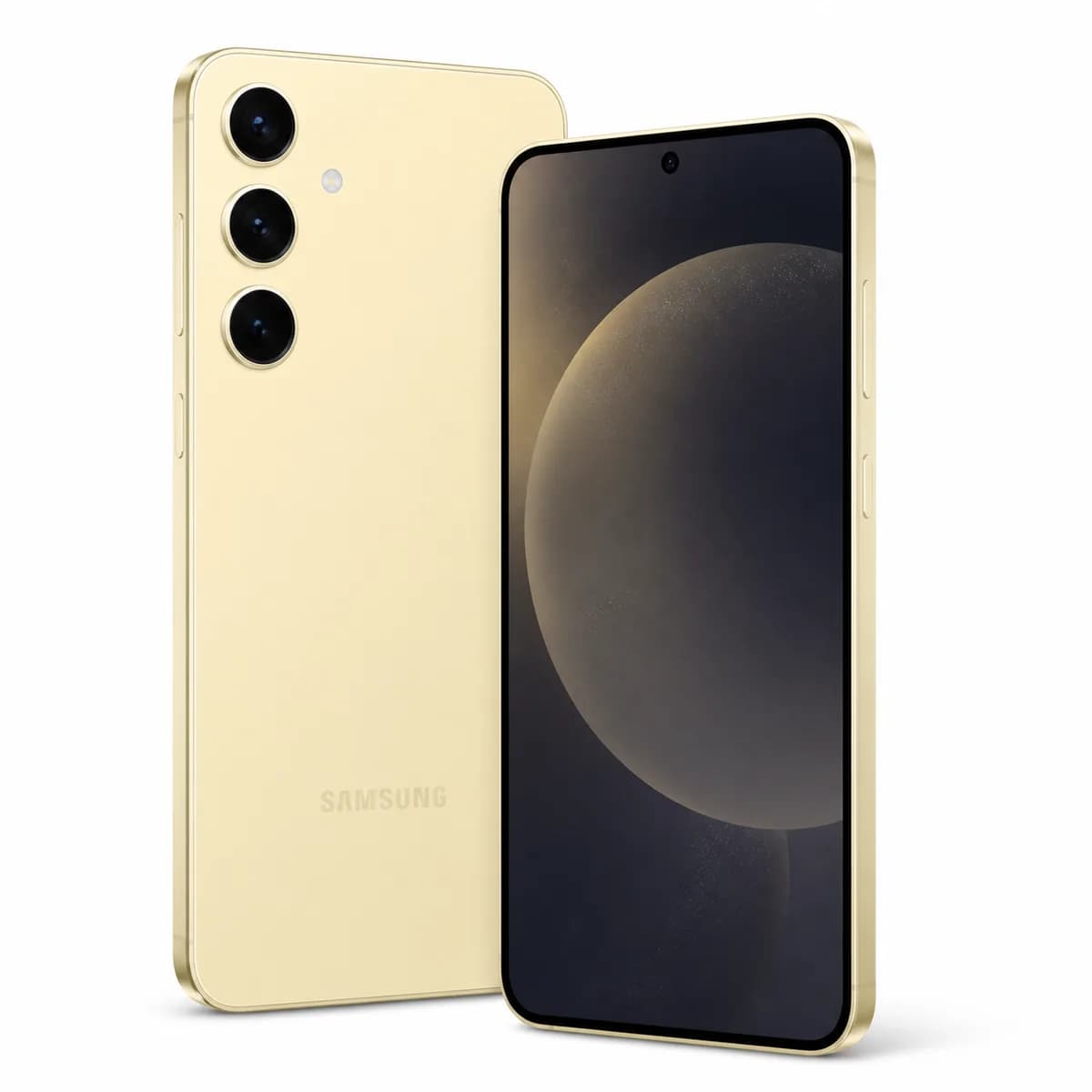
Before you pay
What the Samsung asks for after the reset
- Setup with no account requestedReadyNo account requested: the account side is clear
- Starts on the lock or home screenWaitNot reset: the seller removes their account and resets it in front of you
- Previous owner’s Google accountWaitDon’t pay yet: the seller removes their account and resets again
- The seller doesn’t know the passwordDon’t buyThe phone stays locked
FRP protection: Samsung, “How to perform a factory reset on your Samsung Galaxy device”, updated 3 September 2026. Buying advice: Damjitech.
Step 1
Before the reset: backup and accounts
A factory reset permanently deletes everything on the phone: photos, videos, contacts, apps. Samsung advises the following first.
- Back up with Smart Switch, Samsung’s tool.
- Remove your Google account from the phone: Settings > Accounts and backup > Manage accounts > your Google account > Remove account, then confirm. The account itself is not deleted.
- More than one Google account? Repeat for each.
- If a Samsung account is signed in, its password will be asked for at the end of the reset: keep it at hand.
Step 2
Reset from Settings
Menu names vary slightly by model and software version, but this is the path.
- Take out the SD card first: the reset does not erase it.
- Settings > General management > Reset.
- Tap Factory data reset, then Reset.
- Read the warning, then tap Delete all.
- Avoid resetting with the buttons: Samsung says it triggers FRP protection.
Step 3
When buying: what the Samsung should show
After a reset, Google’s FRP protection may ask for the Google account that was on the phone. Until someone enters it, the phone cannot be used.
- The seller first removes their Google account, then resets the phone in front of you, from Settings.
- After the restart, begin setup: it should go through without asking for the previous owner’s account.
- If it asks for the previous owner’s Google account, don’t pay yet: the seller enters the password, removes their account in Settings and resets again; setup should then go through without asking for anything.
- If the seller does not know the password, don’t buy: the phone stays locked.
Step 4
Forgot your Google password?
Samsung advises visiting a nearby service center.
- Keep your proof of purchase, such as the invoice: it shows the phone is yours.
0/7 checks completed
Checklist to use in person
Used prices of models relevant to this guide
Used, good condition
- Samsung Galaxy S26 Ultra 9 700 DH· 12 listings
- Samsung Galaxy S25 Ultra 7 600 DH· 17 listings
- Samsung Galaxy S24 Ultra 6 450 DH· 28 listings
- Samsung Galaxy S23 Ultra 5 100 DH· 30 listings
- Samsung Galaxy S25 4 800 DH· 10 listings
- Samsung Galaxy Z Flip5 3 900 DH· 4 listings
- Samsung Galaxy S22 Ultra 3 780 DH· 16 listings
- Samsung Galaxy S24 3 600 DH· 13 listings
Asking prices on marketplaces in Morocco, collected and filtered by Damjitech on 20 November 2026. This is not a complete survey of every platform or an offer from Damjitech.
Sources and limits
Reference sources
FAQ
Common questions
How do I factory reset a Samsung?
Settings > General management > Reset > Factory data reset > Reset > Delete all. Before that, back up and remove your Google account from the phone.
Do I need to remove my Google account before a factory reset?
Yes, from the phone only: the account itself is not deleted. Samsung warns that a phone reset while the Google account is still connected may ask for that account and its password on restart.
What is FRP protection?
A Google anti-theft protection on Android 5.1 and later: after a factory reset, the phone may ask for the Google account that was registered on it before it can be used again.
Does a factory reset erase the SD card?
No. Samsung advises taking it out before selling the phone.
A used Samsung asks for the previous owner’s Google account: what should I do?
Don’t pay yet. The seller enters the password, removes their account in Settings and resets the phone again in front of you; setup should then go through without asking for anything. If they don’t know the password, the phone stays locked: don’t buy.
Where can I sell my Samsung in Morocco?
On Damjitech, for free and with no commission. List it; when you meet, remove your Google account and reset it in front of the buyer, who turns it on and finishes setup. You are paid in person.
Turn knowledge into a decision
Turn good preparation into a trusted listing
Publish condition, defects and useful photos clearly to attract a serious buyer.