Checking a Samsung
How to check a used Samsung before paying
Before paying for a used Samsung, have the seller remove the Google and Samsung accounts in front of you: an FRP lock or an unknown account means you do not pay.
Then, in order: the same IMEI in Settings, on the box and via *#06#, the AMOLED on solid colours to spot burn-in and bands, Samsung Members diagnostics, and a call with your own SIM. Knox 0x1 does not reset with a normal factory reset: ask why.
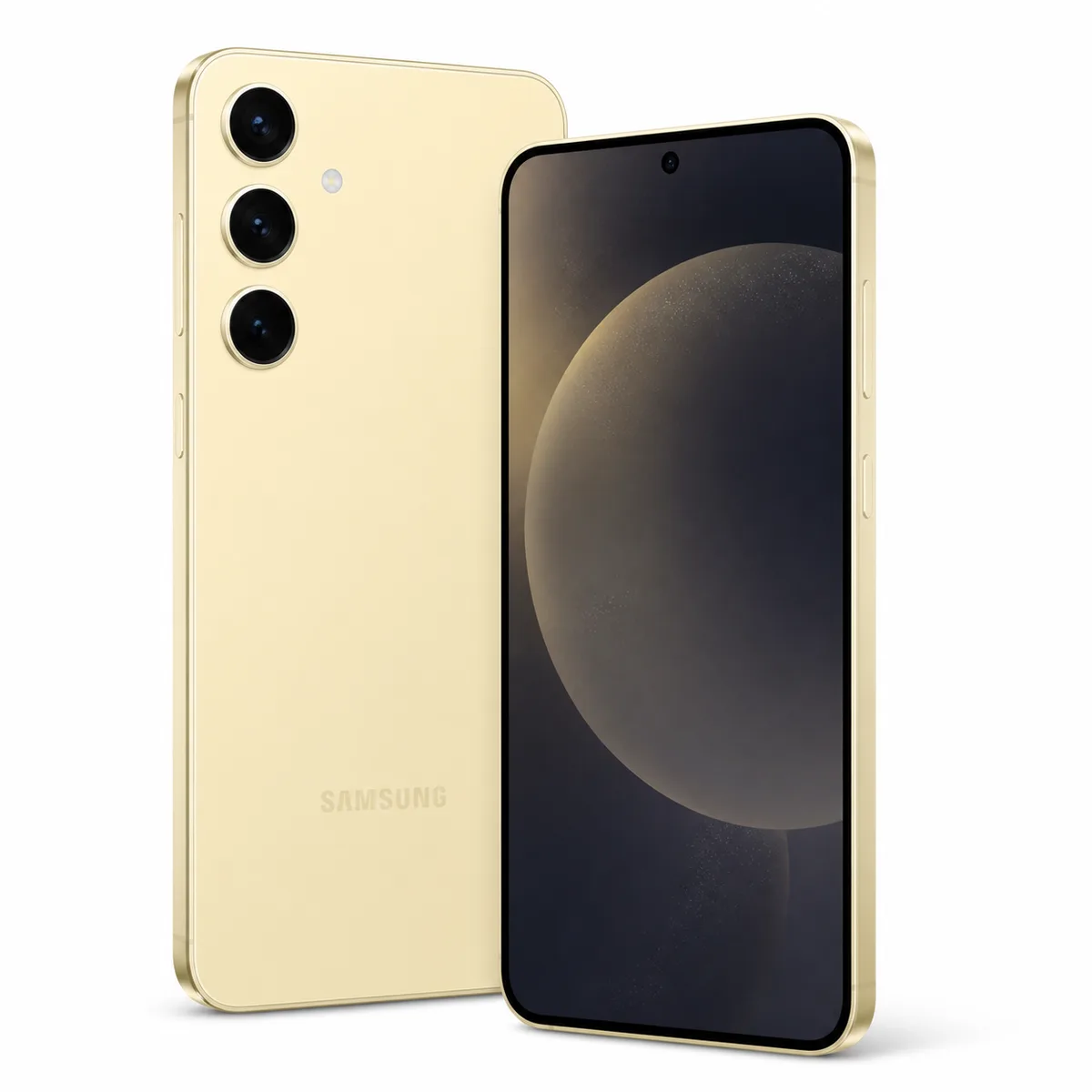
Step 1
Start with accounts and IMEI
The phone must reset without asking for the previous Google or Samsung account.
- Match IMEI in Settings, box and *#06#.
- Ask the seller to remove accounts in front of you.
- Unknown FRP or account means: do not pay.
Step 2
Test the AMOLED and touch
Burn-in and bands are easier to see on solid backgrounds.
- Show white, grey, red, green and blue.
- Drag an icon across the full display.
- Test fingerprint, rotation and auto-brightness.
Step 3
Check Knox, cameras and network
Knox can reveal deep modification; cameras and network need real-world checks.
- Open Samsung Members > Diagnostics when available.
- Test every focal length, focus, video and stabilisation.
- Make a call and test data, Wi‑Fi and Bluetooth.
0/6 checks completed
Checklist to use in person
Used prices of the most searched models in Morocco
Used, good condition
- NVIDIA RTX 509045 900 DH· 8 listings
- iPhone 17 Pro Max12 500 DH· 29 listings
- iPhone 17 Pro11 000 DH· 15 listings
- iPhone 16 Pro Max9 500 DH· 208 listings
- NVIDIA RTX 50708 600 DH· 12 listings
- Samsung Galaxy S25 Ultra8 600 DH· 32 listings
- iPhone 177 650 DH· 12 listings
- iPhone 16 Pro7 500 DH· 23 listings
Asking prices on marketplaces in Morocco, collected and filtered by Damjitech on 28 September 2026. This is not a complete survey of every platform or an offer from Damjitech.
FAQ
Common questions
Can Knox 0x1 be reset?
Not by a normal factory reset. Treat it as a lasting modification and ask why.
Does *#0*# always work?
No. It varies by firmware and carrier; Samsung Members also offers diagnostics.
Is a replaced display always bad?
No, but ask for an invoice and test colour, touch and fingerprint.
Turn knowledge into a decision
Search with sharper criteria
Compare condition, price and city, then test the exact device before paying.