Selling
How to recover deleted photos on Android and iPhone
To recover deleted photos, open the app’s trash: Collections > Trash in Google Photos, Menu > Recycle bin in the Samsung Gallery, Recently Deleted in Photos on iPhone. Google Photos and the iPhone keep them for 30 days, the Samsung Gallery for up to 30 days depending on the model; after that, they are permanently deleted.
Open the trash of the app that held your photos, select them, then tap Restore (or Recover on iPhone). Google Photos and Apple keep deleted items for 30 days; Samsung keeps them for up to 30 days depending on the model. A permanently deleted photo can’t be restored: only copies that exist elsewhere, in another account or on another device, are left.
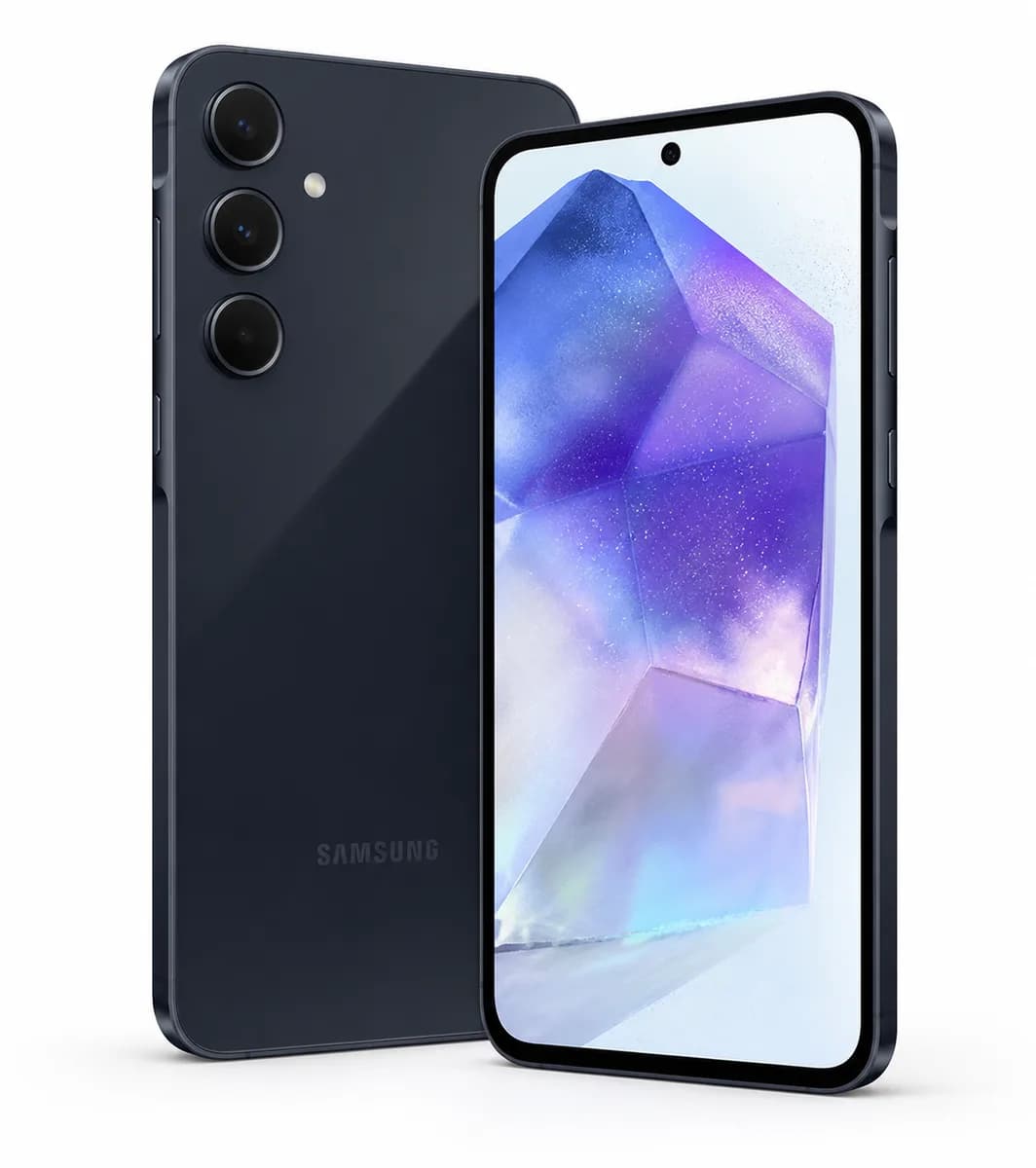
Deleted photos
Where to find them, and until when
- Google Photos (Android)RecoverableCollections > Trash: 30 days
- Samsung GalleryDepends on modelMenu > Recycle bin: up to 30 days, 15 to 30 depending on the model
- Photos (iPhone)RecoverableRecently Deleted: 30 days
- After the limit, or once the trash is emptiedLostPermanently deleted
- After a factory resetLostThe phone is wiped: copy your photos first
Sources: Google Photos, Samsung and Apple (official help pages).
Step 1
On Android with Google Photos
A photo deleted in Google Photos stays in the trash for 30 days. You can restore it as long as you haven’t deleted it from the trash or emptied it.
- Open the Google Photos app, then tap Collections > Trash.
- Touch and hold the photo or video you want to restore, then tap Restore.
- You’ll find it where it was before: in its albums, in Google Photos and in your gallery app.
- Not in the trash? It may have been deleted for good.
Step 2
On a Samsung with the Gallery
The Gallery has its own bin. Samsung says 30 days; Samsung France’s page says it is between 15 and 30 days depending on the model and the Android version.
- Open the Gallery app, then Menu > Recycle bin.
- Tap Edit, select the photos you want to restore, then tap Restore.
- The bin must be turned on (Gallery > Menu > Settings): anything deleted before it was turned on is permanently gone.
- Once that time has passed, the photos are permanently deleted from the phone.
Step 3
On iPhone with Photos
A deleted photo goes to the Recently Deleted album and stays there for 30 days. After that, Apple deletes it permanently and you can’t get it back.
- Open Photos, swipe up, then tap Recently Deleted in the Utilities section.
- Tap View Album, then unlock it with Face ID or Touch ID.
- Tap a photo, then tap Recover. For several photos: Select, then the More button, then Recover.
- You can also do it on iCloud.com > Photos > Recently Deleted.
Step 4
Photos deleted a long time ago
If they are no longer in the trash, they are permanently deleted. Google states they can’t be restored, not even with Google Takeout.
- Check that you are signed in to the right Google account: Samsung points out that photos can look missing if you are using a different one.
- Look for a copy elsewhere: another device, a computer, another account, a backup you had turned on.
- If you don’t use Google Photos for two years or more, Google may delete your content.
- We don’t recommend any “recovery” app: neither Google, Samsung nor Apple offers one for a permanently deleted photo.
Step 5
Before selling or resetting: copy your photos
A factory reset erases all the data on the phone, the Gallery bin included: Google says so for an Android factory reset.
- Turn on Google Photos backup (or iCloud Photos) and check your photos appear there before you reset.
- Then remove the account and follow our guide: “How to factory reset a Samsung before selling” or “How to factory reset an Android phone before selling”.
- On iPhone, turn off Find My before the sale.
0/8 checks completed
Checklist to use in person
Sources and limits
Reference sources
FAQ
Common questions
How do I recover deleted photos?
Open the app’s trash (Trash in Google Photos or the Samsung Gallery, Recently Deleted on iPhone), select the photo and tap Restore or Recover.
How long does a photo stay in the trash?
30 days in Google Photos and in Recently Deleted on iPhone. In the Samsung Gallery, up to 30 days: between 15 and 30 depending on the model, according to Samsung France.
Can I recover photos deleted years ago?
Not from the trash: after the limit they are permanently deleted. What’s left is to look for a copy in another account, on another device or on a computer.
Why is my Samsung Gallery bin empty?
Either the time limit has passed, or the bin wasn’t turned on: Samsung France says anything deleted before it was turned on is lost.
Can an app recover a permanently deleted photo?
No official source offers one: Google says a permanently deleted photo can’t be restored. We don’t recommend any app.
I want to sell my phone: what about my photos?
Copy them before you reset, because a reset erases the whole phone. Then list it for free and with no commission on Damjitech: the buyer checks it in front of you, and you are paid in person.
Turn knowledge into a decision
Turn good preparation into a trusted listing
Publish condition, defects and useful photos clearly to attract a serious buyer.